How to Protect Your WiFi Network: Essential Tips and Tricks
Your home WiFi network is a vulnerable point of entry for hackers, data thieves, and unwanted bandwidth hogs. But don't worry, we've got you covered with these simple and effective ways to protect your WiFi network.
1. Change Your Default Password
When you first set up your router, you're usually prompted to create a password. But did you know that many people leave their default passwords intact? This is like leaving the front door of your home unlocked. Change your password to something strong and unique, and make sure to update it regularly.
2. Enable WPA3 Encryption
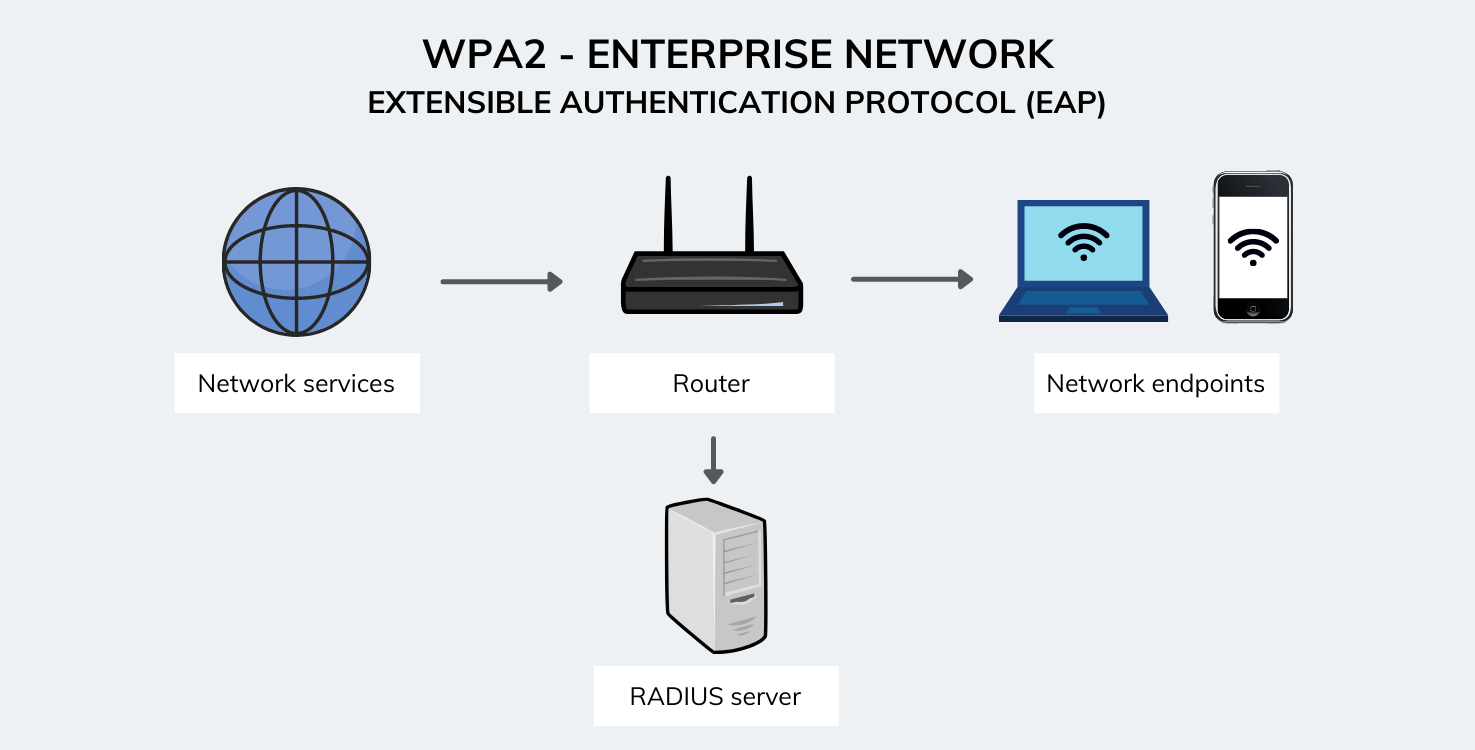
WPA3 is the latest encryption protocol, and it's essential to enable it on your router. This will prevent hackers from intercepting your data and accessing your network. Make sure to update your router's firmware to ensure WPA3 compatibility.
3. Segment Your Devices

Segmenting your devices into separate networks is a great way to isolate sensitive data and prevent unauthorized access. For example, you can create a separate network for your IoT devices, such as your smart home devices and security cameras.
4. Use a VPN
A virtual private network (VPN) creates a secure, encrypted tunnel between your device and the internet. This will prevent hackers from intercepting your data, even when you're using public WiFi networks. Choose a reputable VPN provider and install their app on your device.
5. Block Websites and Apps
You can block websites and apps on your router to prevent access to sensitive data and malicious content. This is especially important if you have children or employees who use your network.
6. Update Your Router's Firmware

Firmware updates often include security patches and new features. Make sure to update your router's firmware regularly to ensure you have the latest security features and bug fixes.
7. Enable Connection Alerts
Connection alerts will notify you when a new device connects to your network. This will help you stay on top of unauthorized access and prevent potential security breaches.
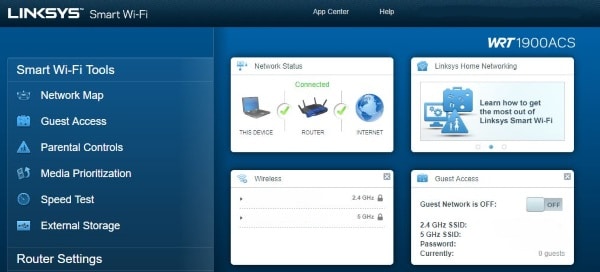
8. Use a Guest Network
A guest network is a separate network that visitors can use to access the internet. This will prevent them from accessing your main network and sensitive data.
9. Monitor Your Network Traffic
Monitoring your network traffic will help you identify potential security issues and prevent data breaches. Use a tool like NetFlow or sFlow to monitor your network traffic and stay on top of potential security threats.
Conclusion
Protecting your WiFi network is essential to preventing data breaches, unauthorized access, and cyberattacks. By following these simple and effective tips, you can ensure your network is secure and protected from potential threats.
- Windows Firewall: A guide to using Windows Firewall to protect your device
- UniFi Network: A guide to managing and securing your UniFi network
- Verizon Business: A guide to reliable wireless network security solutions
Stay safe online and protect your WiFi network today!